Registers in a minute
Teachers tap present, late, absent, sick or excused on their phone. The office sees the whole school the moment they save, and can print any register.
Attendance, timetables, homework, fees, report cards and messages home, for schools across the Maldives.
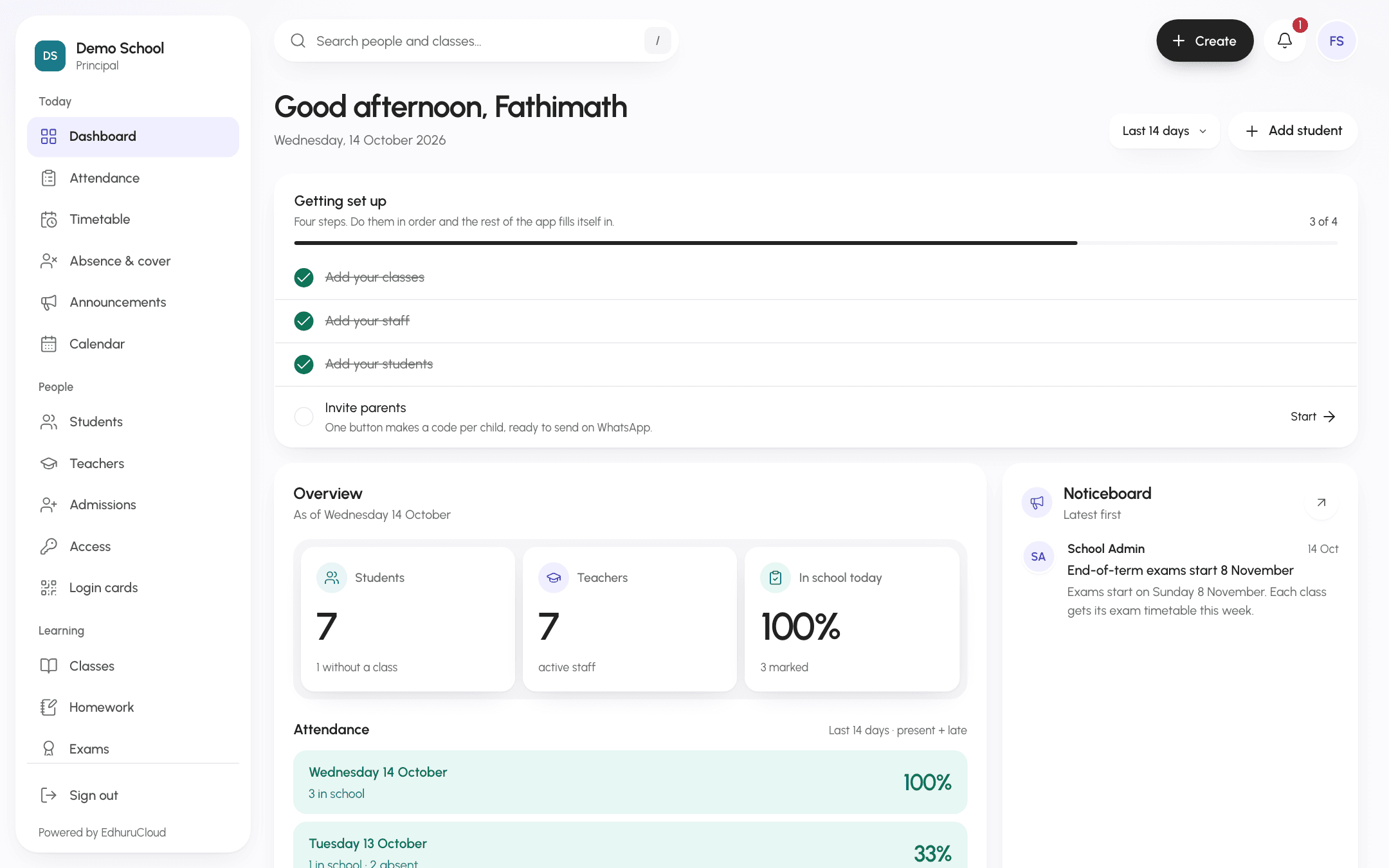
The morning view. Who is in, what is owed and every notice, before the first bell.
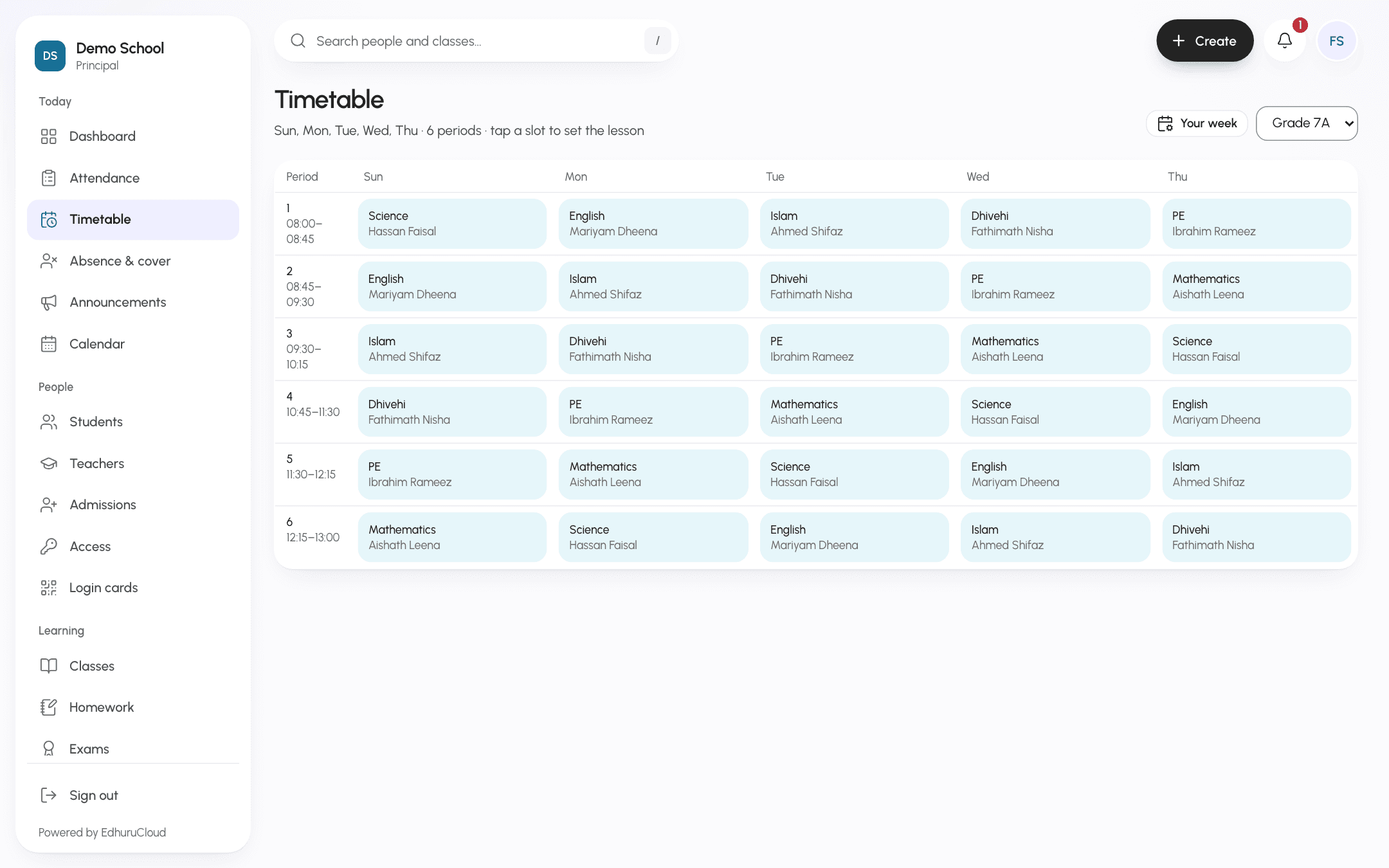
Your week, your periods. Build it once. It warns you if a teacher is booked in two rooms.
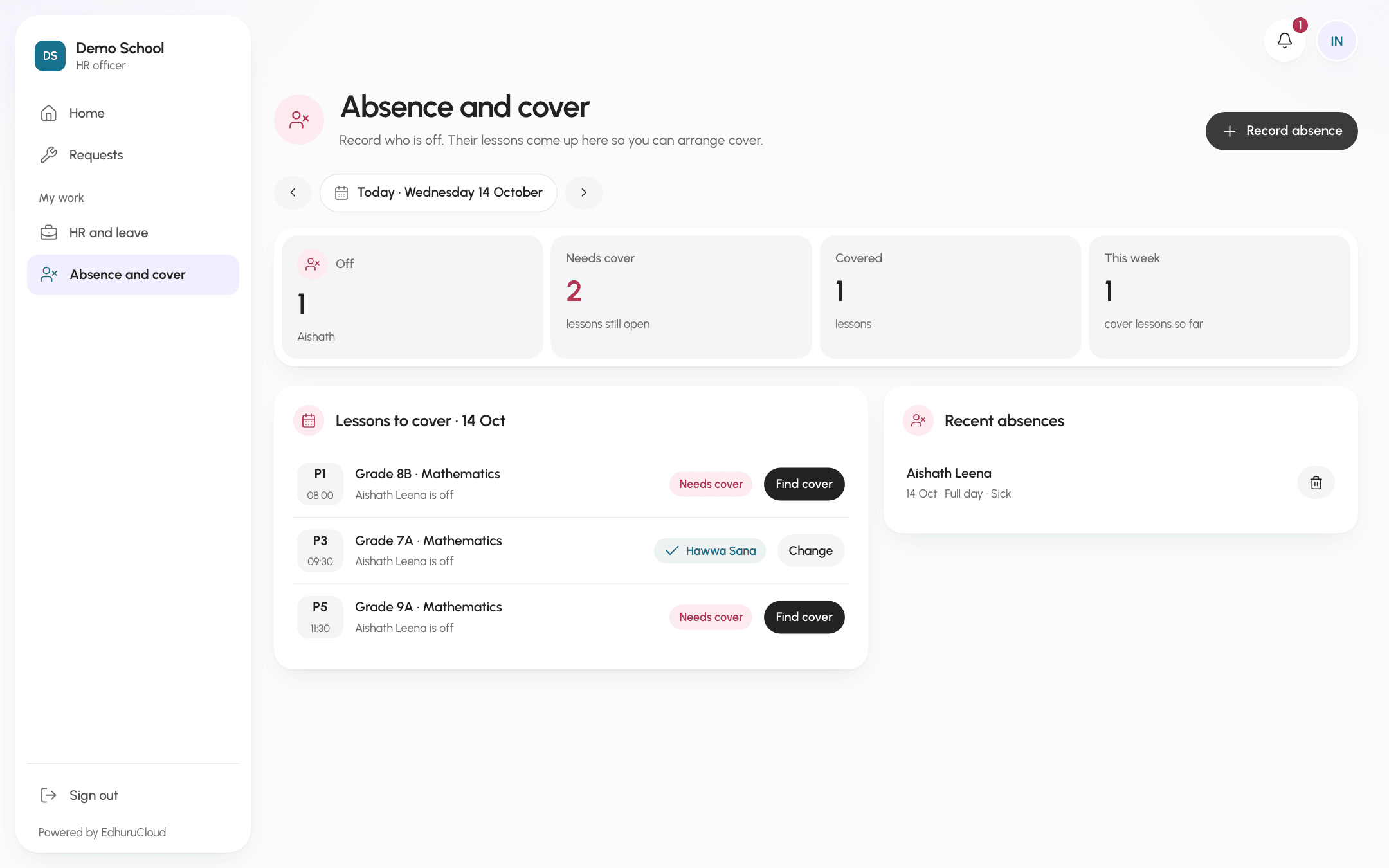
Someone is off. Their lessons appear with the teachers who are free that period.
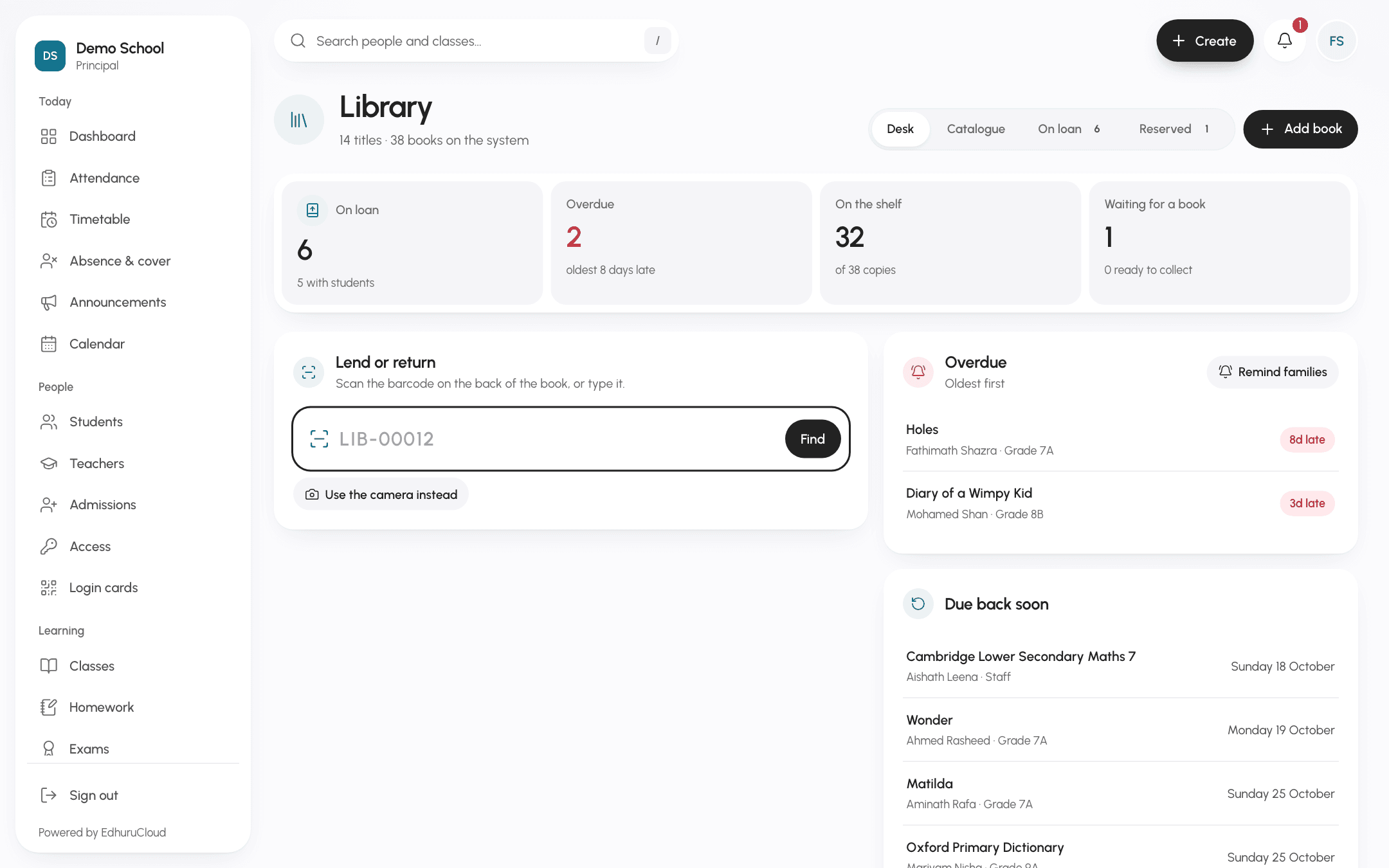
Lend a book in seconds. Scan the sticker with a phone camera and it is out.
Six things that usually take a notebook, a spreadsheet or a phone call.
Teachers tap present, late, absent, sick or excused on their phone. The office sees the whole school the moment they save, and can print any register.
When a child is marked absent, the parent gets a message and replies with the reason. Homework, merits and notices reach them the same way.
Mark a teacher as off and their lessons show up. For each one you see who is free, same subject first, and whoever has covered least this week.
Each grade gets its own plan, for example exams at 80% and assignments at 20%. Grades are worked out for you, and parents see them only after you publish.
Make a month of invoices from a fee plan, record cash or bank transfers, and print a receipt. Families pay the school directly, never us.
Parents and teachers talk inside the app, so nobody has to share a personal number. Families also book parent meeting slots here.
Pick who is signing in. Everyone works from the same records, so a mark a teacher enters is the mark the parent sees.
The principal sees everything and decides how the school uses EdhuruCloud.
Attendance, fees still owed, today’s lessons and the noticeboard on one screen.
Turn off what you do not use, and set library limits, canteen times and which apps families can open.
Decide how each grade’s final mark is made up, the grade bands and the pass mark.
Give HR, the nurse or the librarian a login, and tick exactly which parts they can open.
A school keeps health notes, family details and fee records. These are the rules EdhuruCloud is built on.
Each school’s records are separated inside the database, so one school can never open another school’s data.
A parent opens their own child and nothing else. A teacher sees the classes they teach. Only the principal sees salaries.
Nobody is handed a password. People choose their own, and changing it needs the old one.
Records are encrypted in transit and in storage. If you ever move on, we hand back a full export of your school.
We show you around EdhuruCloud and answer every question your team has.
Your classes, staff and timetable, set up together with you.
Invite your staff, parents and students, and your school is up and running.
Government and private schools, preschools and tuition centres across the Maldives. It works the same for a school of fifty students as for a campus of several thousand.
Yes. Add classes, year groups, staff and new subjects whenever you need them. Each person only ever sees the parts that belong to their role.
One simple yearly plan based on the number of students. Every staff account is included, and each school starts with its first month free.
EdhuruCloud runs in the browser on any phone, tablet or computer, with nothing to install. Dedicated iPhone and Android apps are on the way.
The office gives each family a short code. The parent enters their mobile number and the code, chooses a password, and their child’s day is right there.
Most schools are running within a week. We set up the school with you, show the office and teachers around, and stay on hand afterwards.
See how EdhuruCloud fits your school in a short demo. Your first month is free.